Why Front Desk
Remote access built around the device, the customer, and the session.
Front Desk gives support teams a controlled path to field devices behind customer networks. It combines outbound-only connectivity, customer-visible approval, device context, and session history without replacing the tools you already trust.
A focused role
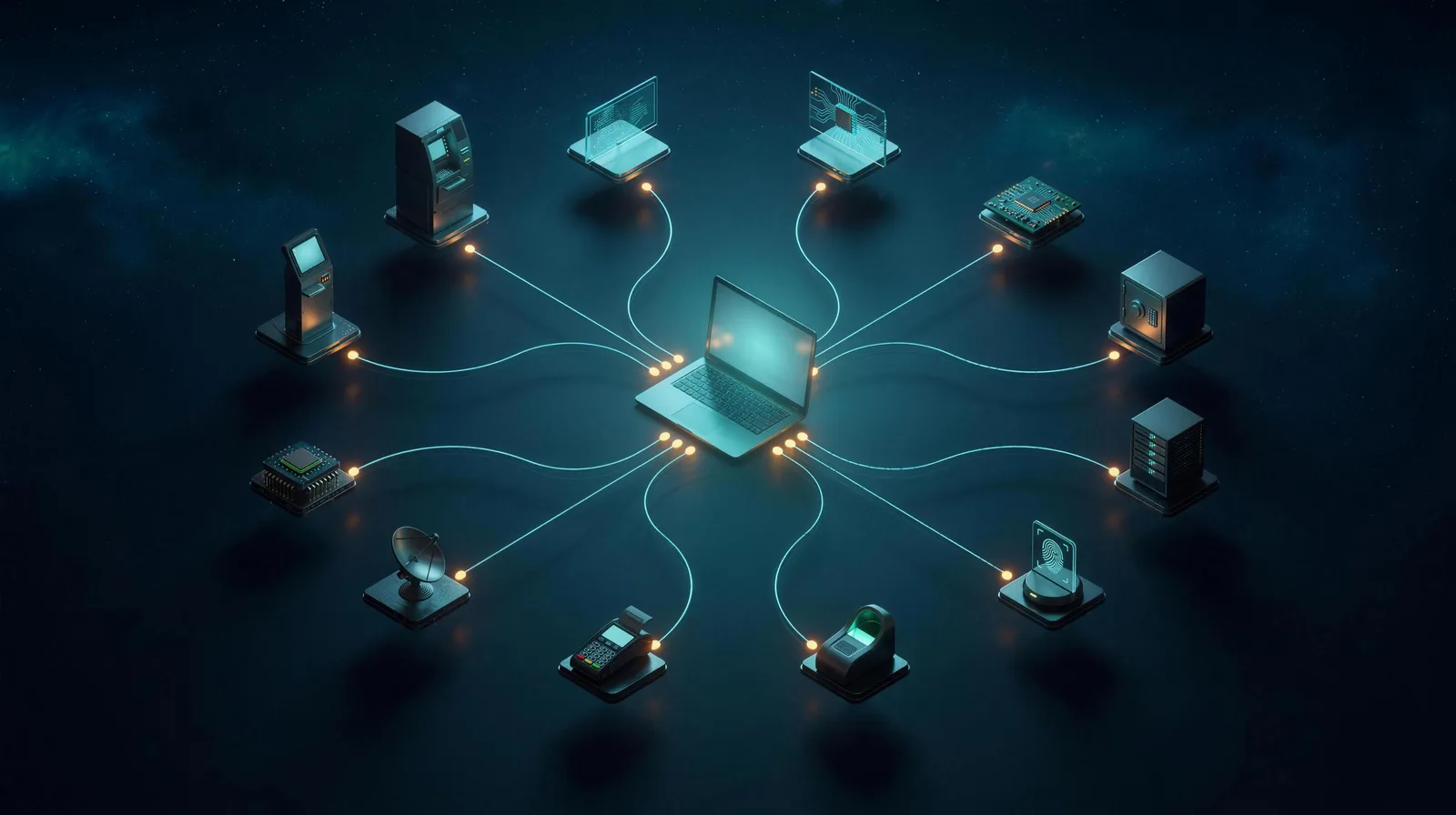
The operational layer between a support request and the device.
Remote desktop opens a screen. Network tools connect environments. Fleet tools manage endpoints. Front Desk focuses on the moment your team needs to understand, approve, and work on a specific field device.
Where it fits
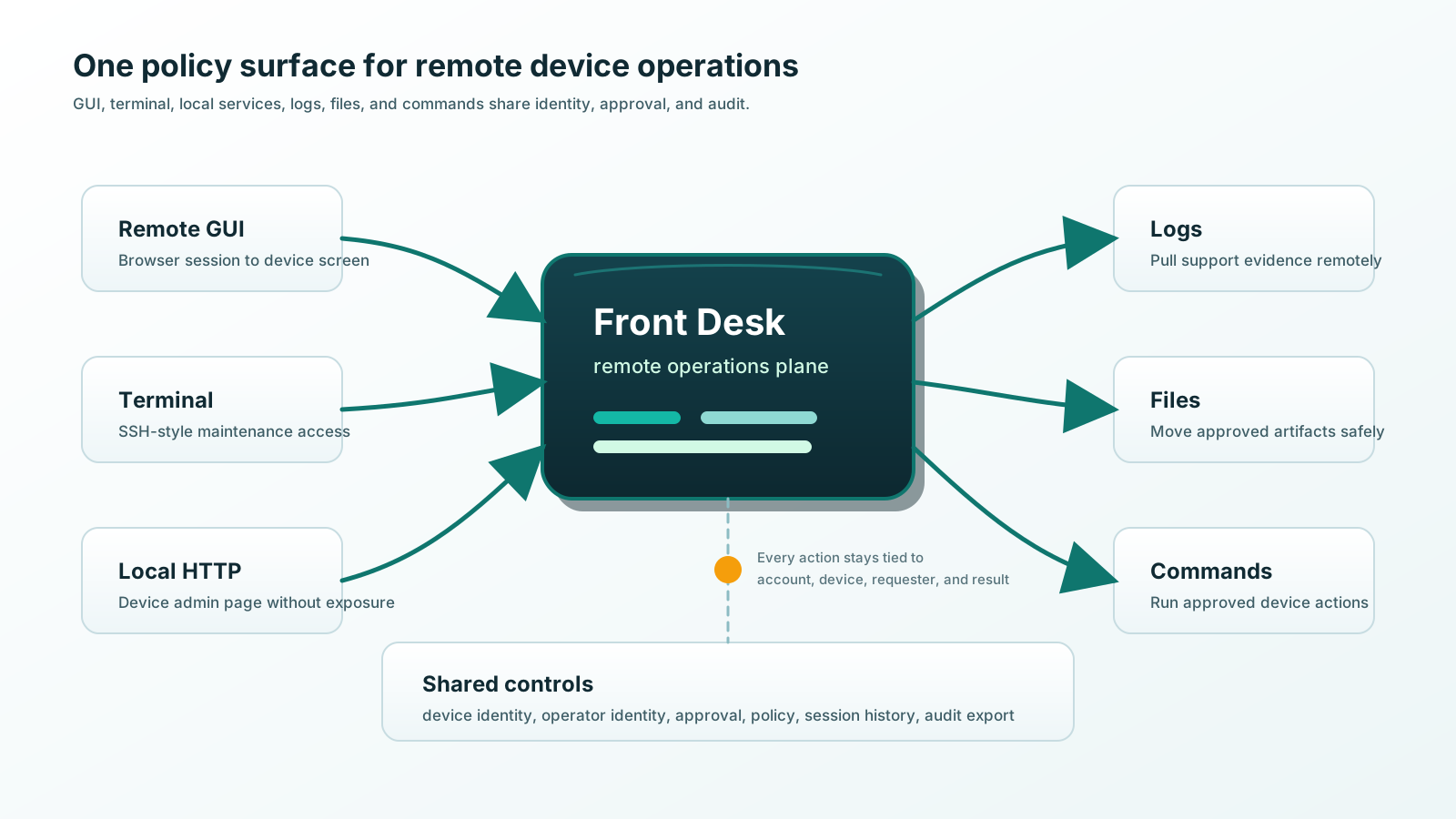
Front Desk complements the rest of your technology stack.
Security posture
A smaller access path is easier to explain and govern.
Devices initiate outbound connections. Users sign in through the portal. Access can be scoped, approved, and recorded. Deployments are built per account, so a device carries only the components that account approved. Front Desk complements your identity, vault, monitoring, and ticketing tools instead of asking you to replace them.
- Outbound-only devices
- No inbound site ports
- Identity-bound access
- Customer account isolation
- Per-account builds
- Optional approval
- Scoped sessions
- Session history
- AI session audits
- Integration-friendly
Give every support session a clear front door.
Keep the device private, the customer informed, and the work tied to a specific request and result.