Customer portal
Keep your device fleet visible, even when every device lives somewhere else.
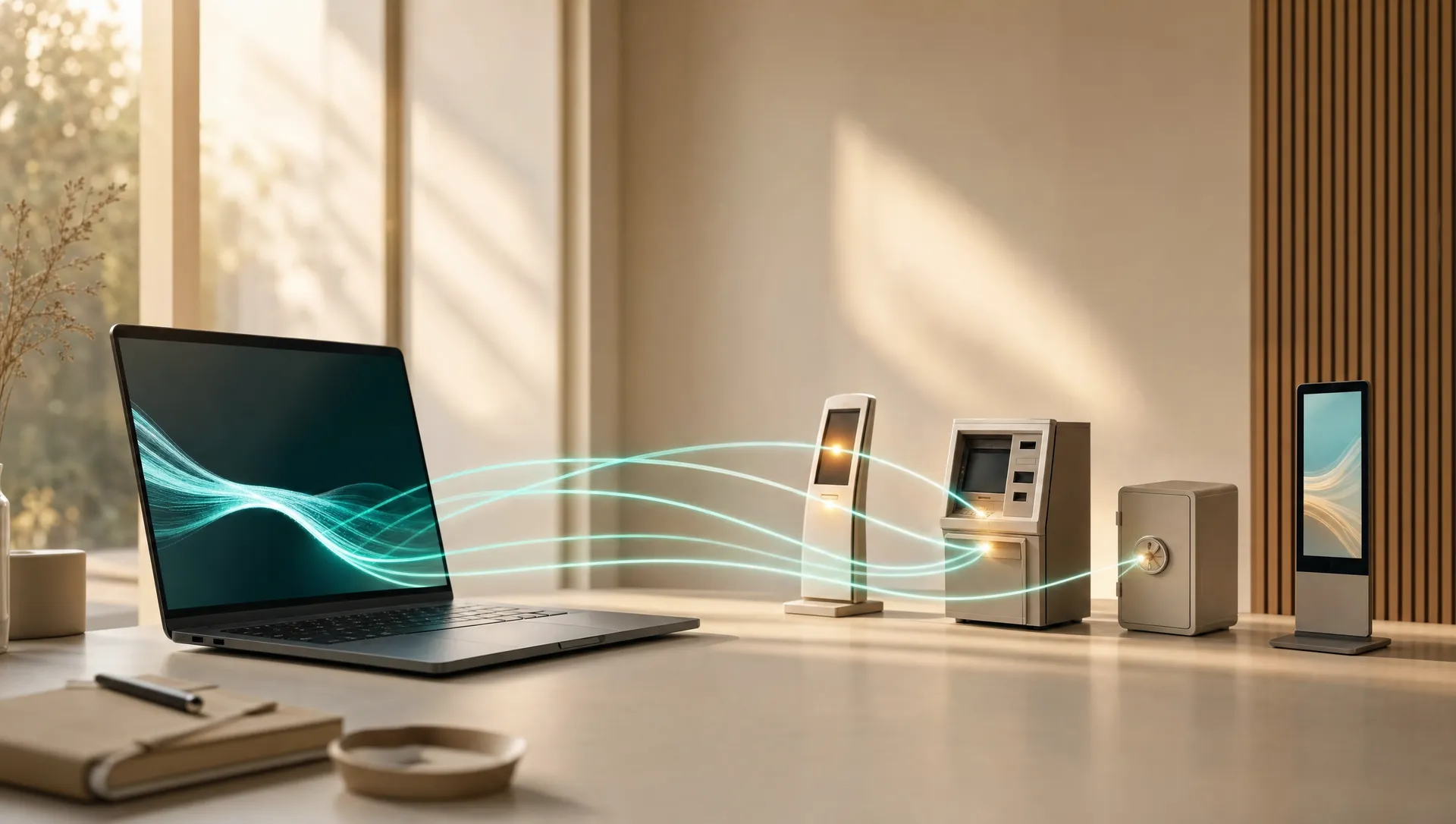
The Front Desk customer portal brings device status, access approvals, installers, monitoring, users, and support history into one account-scoped view.
Shared visibility
The information customers and support teams need, in one place.
Know what is installed, what is reachable, who requested access, and what happened during the work without rebuilding the story from email and separate support tools.
Devices
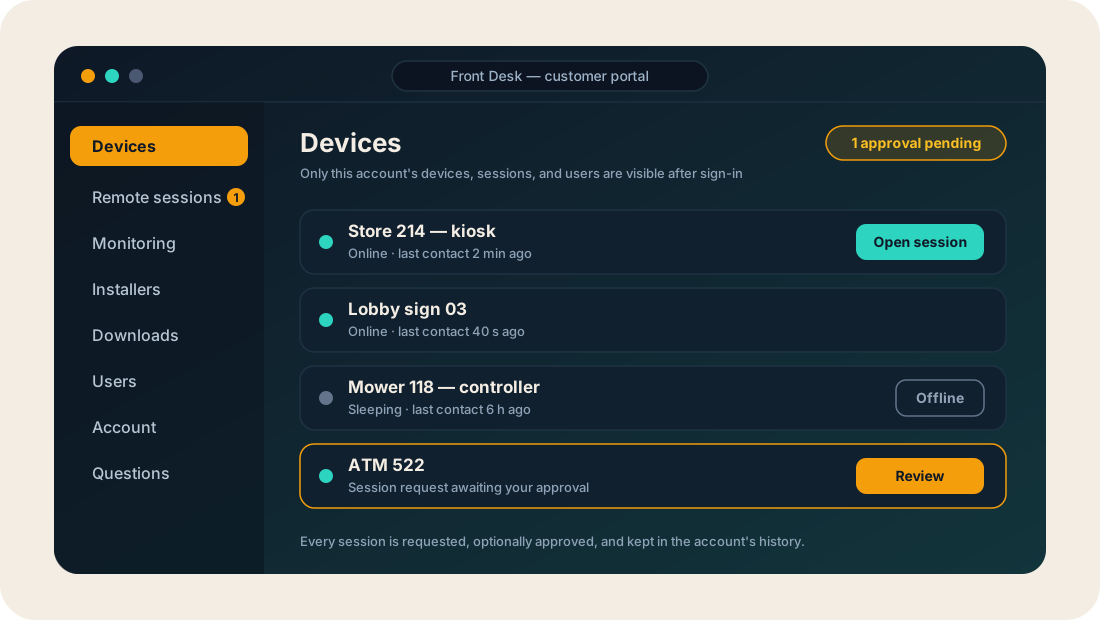
Customers can see which devices belong to the account, when they last checked in, and whether they are reachable.
Access approvals
Review pending requests and keep approved, rejected, and completed sessions with the account record.
Session audits
Audited sessions carry a written account of what the operator did, built from what was on screen and reviewed by a model after the session ends or while it runs.
Monitoring
Account-scoped events show what a device reported and when it last made contact.
Installers
Keep account-specific installers and activation steps behind sign-in instead of scattering them through email. Each build carries only the components the account approved.
People
Give the right customer contacts access to the right account without sharing support credentials.
Questions
Start with public product guidance, then use account context after sign-in when a question is specific to your fleet.
Support requests
Start with the device and keep the history attached.
A support request starts with the correct account and device, so everyone can see what was requested, why it matters, and what happened next.
- 1Start a request
Choose the account, device, or remote session that needs attention.
- 2Keep the context
The device, reason, requested action, and account policy stay attached to the work.
- 3Authorize the work
The right support user acts after any required approval or confirmation.
- 4See the result
The account keeps a record of what was requested, what happened, and when it finished.
Customer visibility is part of the product, not an afterthought.
Sign in to the customer portal to manage your account, or try the demo to explore Front Desk.